
Issue
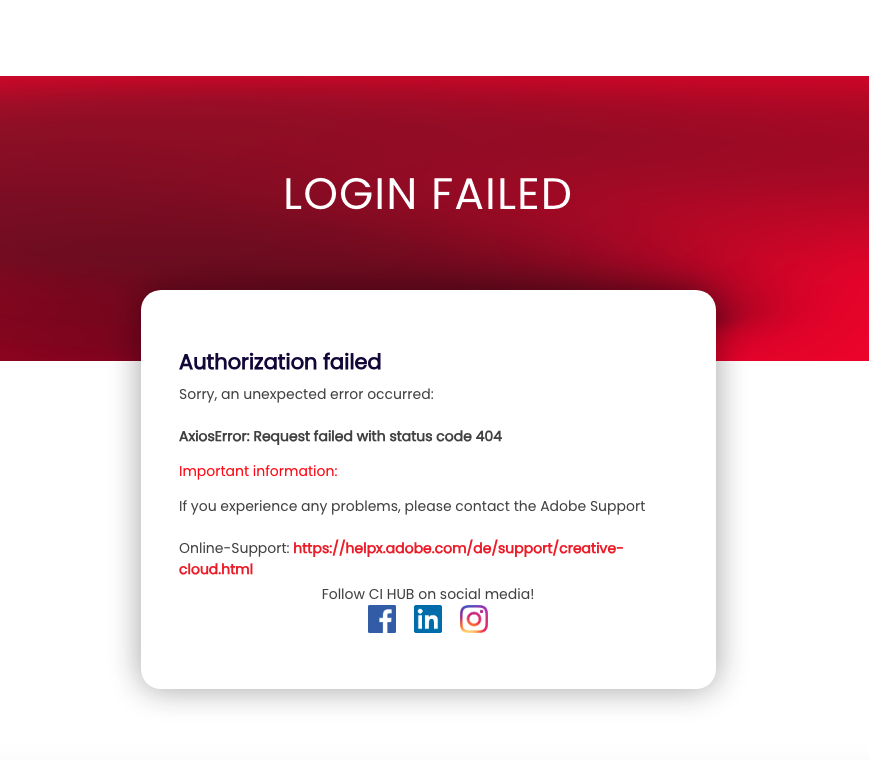
When attempting to log in to Adobe Lightroom through the CI HUB Connector, you may encounter a 404 error.
This issue typically occurs when there are no assets available in your Adobe Lightroom / Adobe Creative Cloud library.
Cause
Adobe Lightroom requires at least one asset in the account to complete the login process through the CI HUB Connector. If the library is empty, the login request may fail and return a 404 error.
Solution
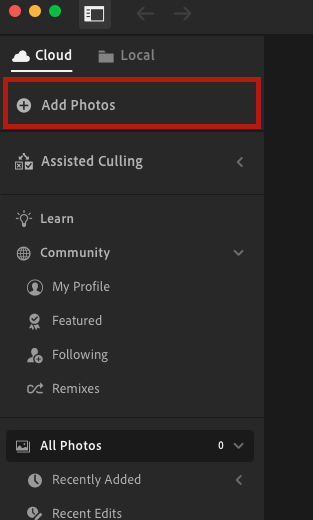
To resolve the issue, simply add an asset to Lightroom:
-
Open Adobe Lightroom.
-
Upload any asset (image, file, or media) to your library.
-
Make sure the upload is completed successfully.

Result
Once at least one asset is available in Adobe Lightroom, you will be able to log in to Adobe Lightroom via the CI HUB Connector without encountering the 404 error.
