
Using the Wrong Login Details
Make sure you’re logging in with your CI HUB ID and not the credentials for your DAM provider. This is a common mistake, so double‑check that you’ve entered the correct email address and that it’s spelled correctly.
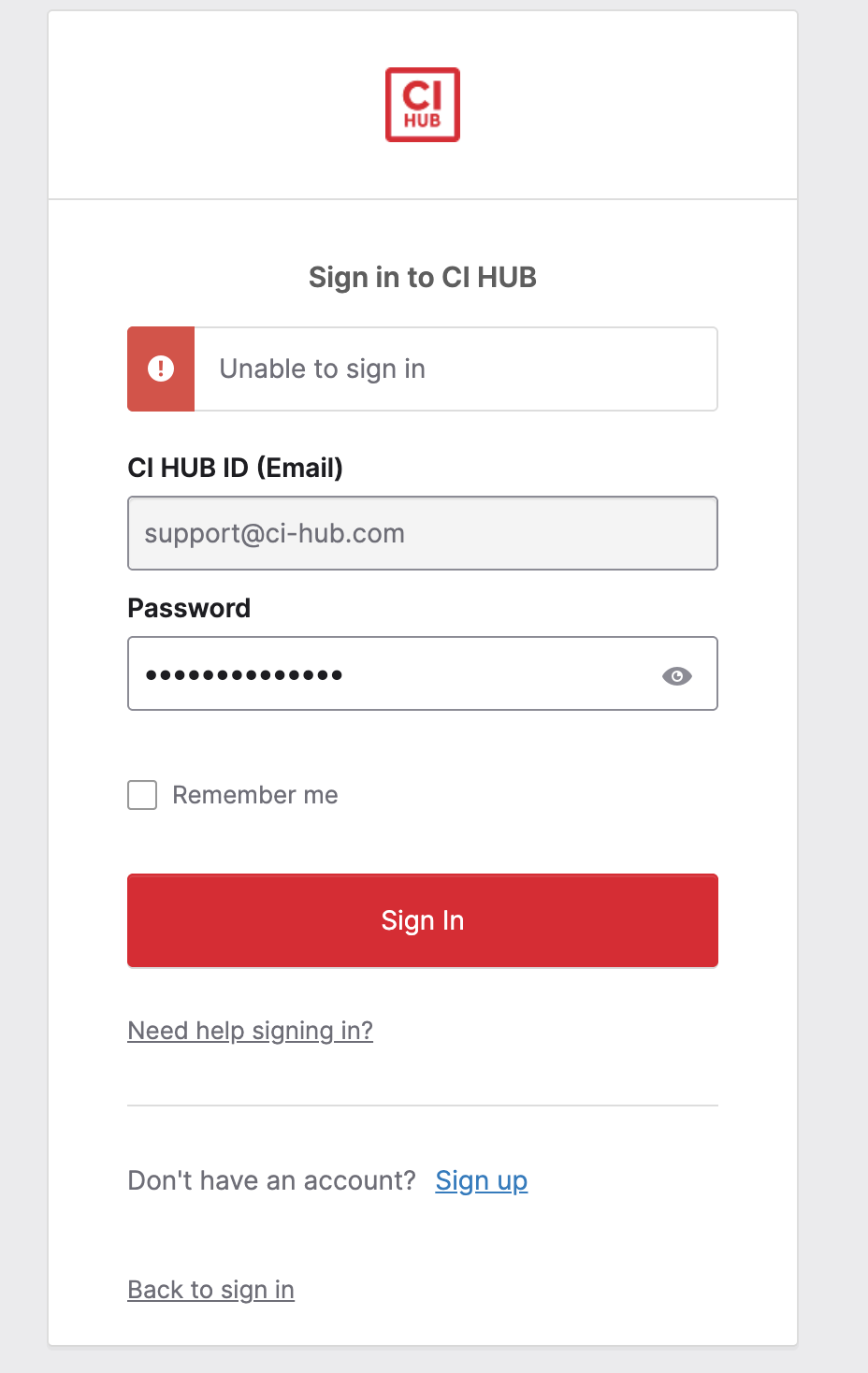
Password Problems
If your password isn’t working, confirm that you’re typing it exactly as you set it (including upper- and lowercase letters). If you still can’t log in, it’s best to reset your password. Instructions are below in Resetting your Password.
Account Not Activated
If you’ve just registered and can’t sign in yet, check your inbox for the activation email we sent you. You’ll need to click the activation link before you can log in. If the email has expired or you never received it, contact our support team and we’ll send you a new one.
Forgotten CI HUB ID
Can’t remember the email address linked to your account? Get in touch with our support team and we’ll help locate your CI HUB ID.
Provider Login Errors
If you’re connecting through your DAM provider and see an error, check that you’re using the correct credentials for that service — not your CI HUB ID. If you’re still stuck, reach out directly to your DAM provider’s support team for help.
Resetting Your Password
If you’ve forgotten your password, here’s how to reset it. (Note: Password management is done inside the plugin, not on our website.)
-
Open the application where you use CI HUB (for example, InDesign).
-
Go to the Connector and select “Login.”
-
Click “Password forgotten or support needed?”
-
Choose “Forgot CI HUB password?”
-
Enter your Email or Username on the page that opens.
-
Check your inbox for the reset email.
-
Follow the link in the email to set a new password.
After completing these steps, you’ll be able to log back in as usual.
If You Don’t Receive the Reset Email
-
Look in your spam or junk folder — sometimes the email ends up there.
-
Double‑check that you entered your email correctly.
-
If you still can’t find it, contact our support team and we’ll resend the link or reset your password manually.
Need More Help?
If you’ve tried all the steps above and still can’t sign in, don’t hesitate to contact our support team. We’re here to make sure you can get back to work quickly.
