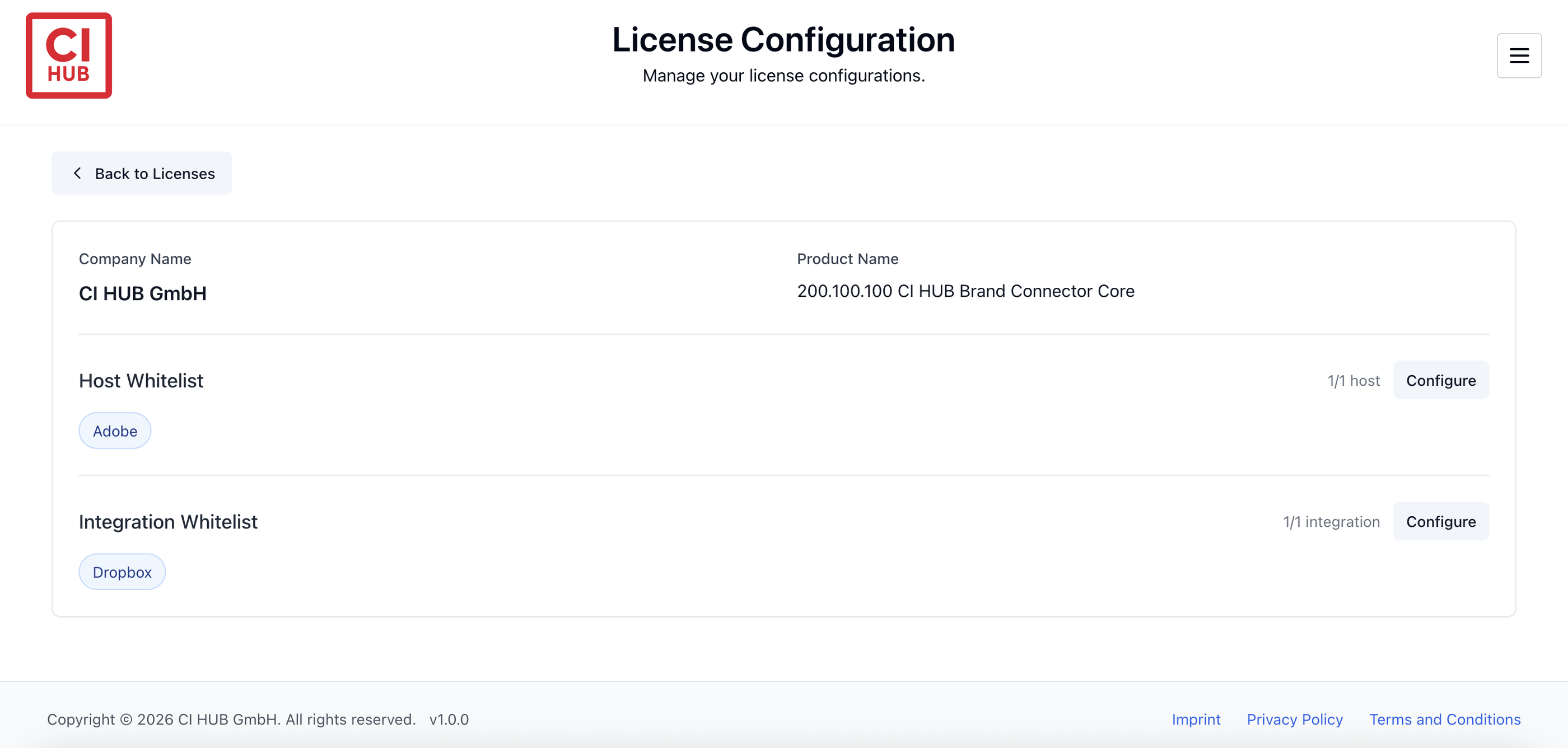
The Brand Connector license plans limit how many hosts and integration systems you can use per license.
Before you can start using a host or an integration, you must whitelist them in the License Configuration portal.
Where to Configure Your License
You can access the License Configuration page in two ways:
-
Go directly to:
https://payment.ci-hub.com/license-config -
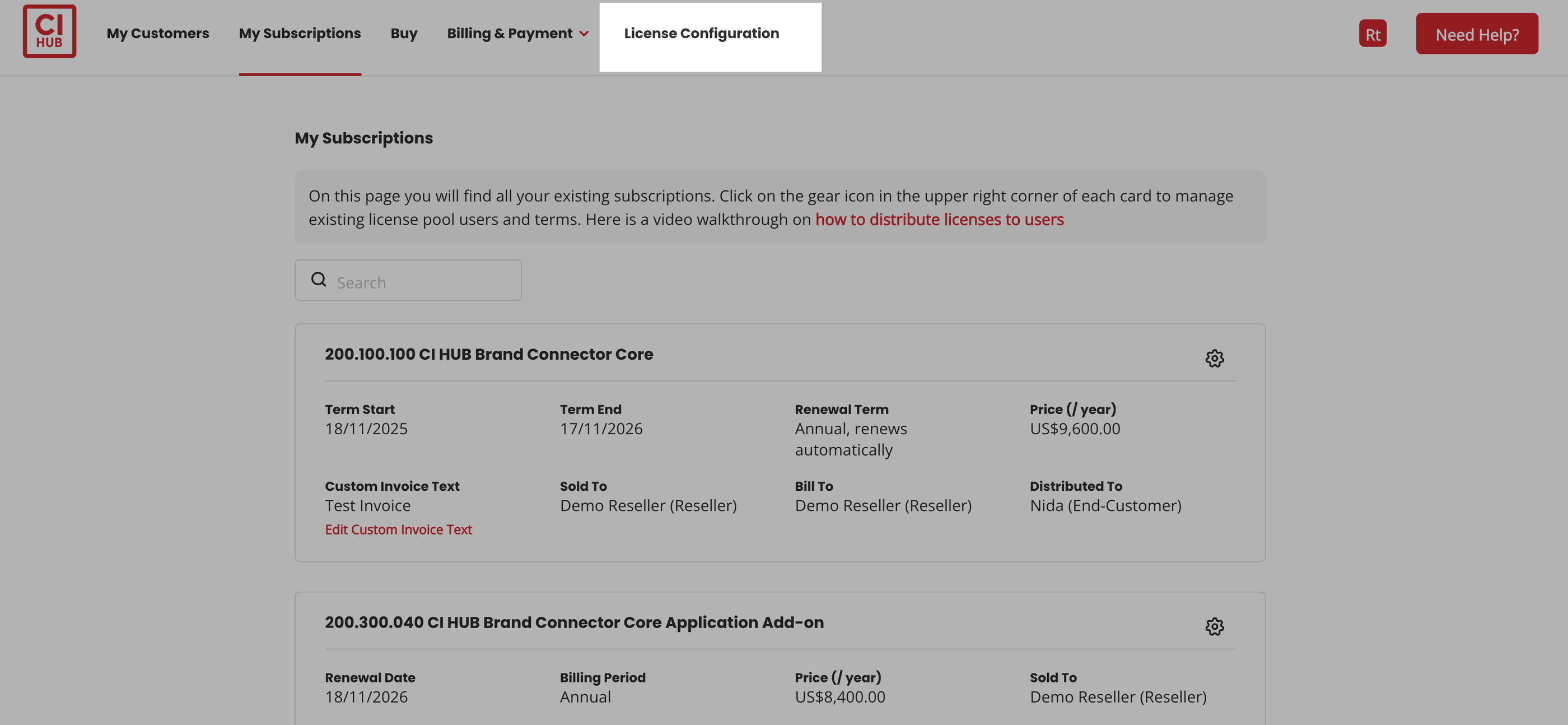
Or, in MY CI HUB, click on License Configuration.
How to Whitelist a Host
1. Open the License Configuration page.
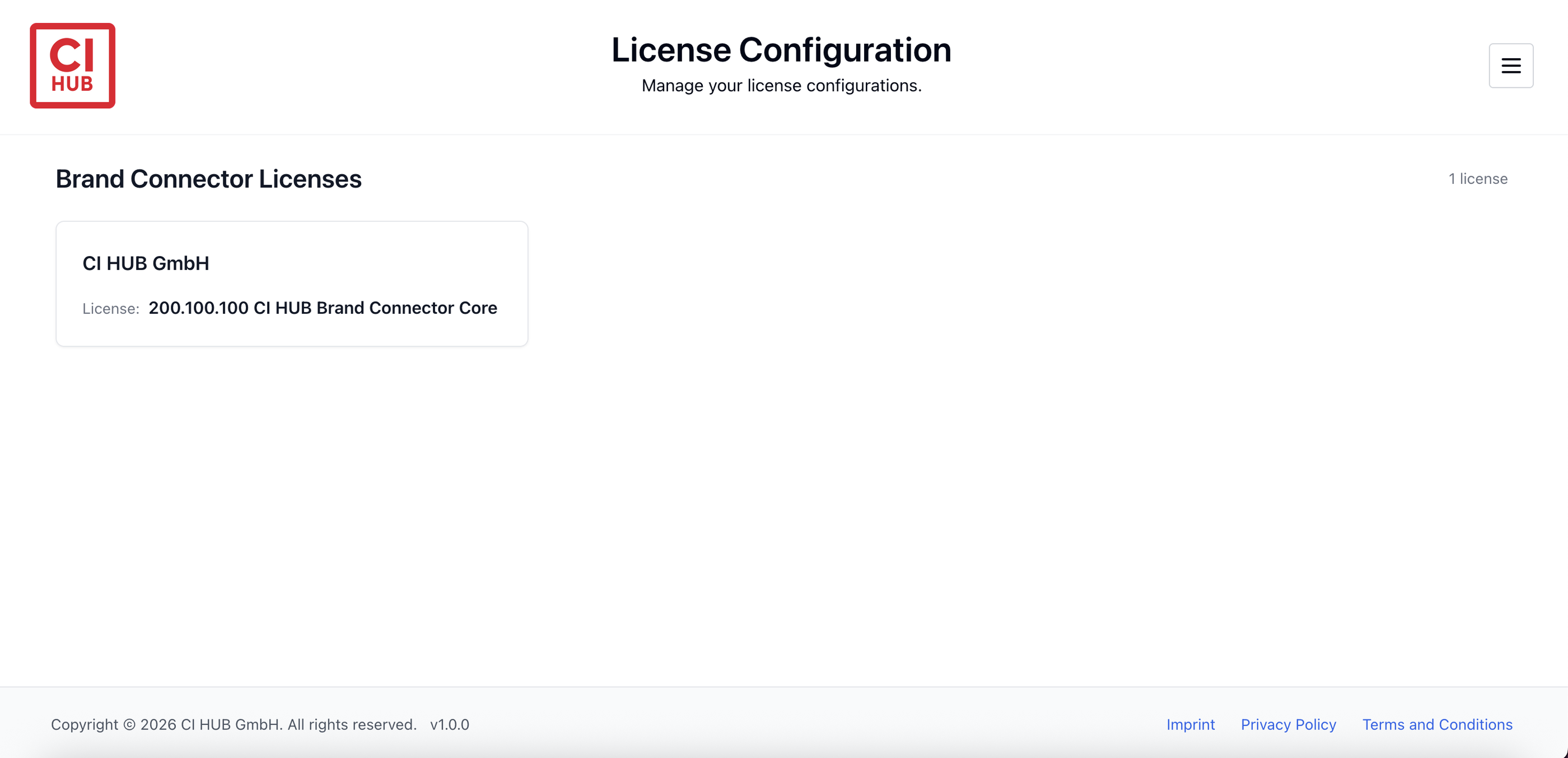
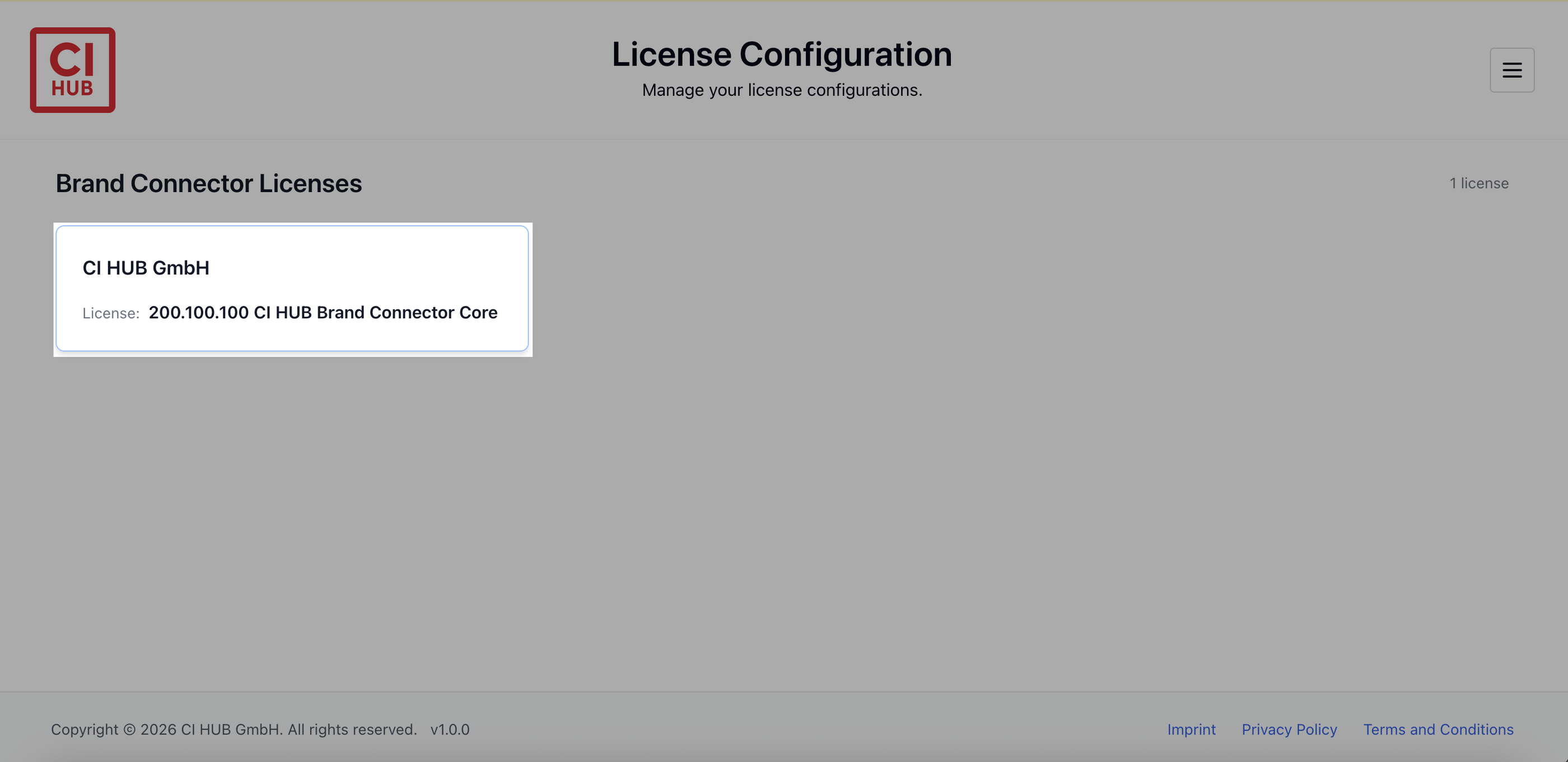
2. Click on the license you want to configure.
3. In the Host Whitelist row, click Configure.
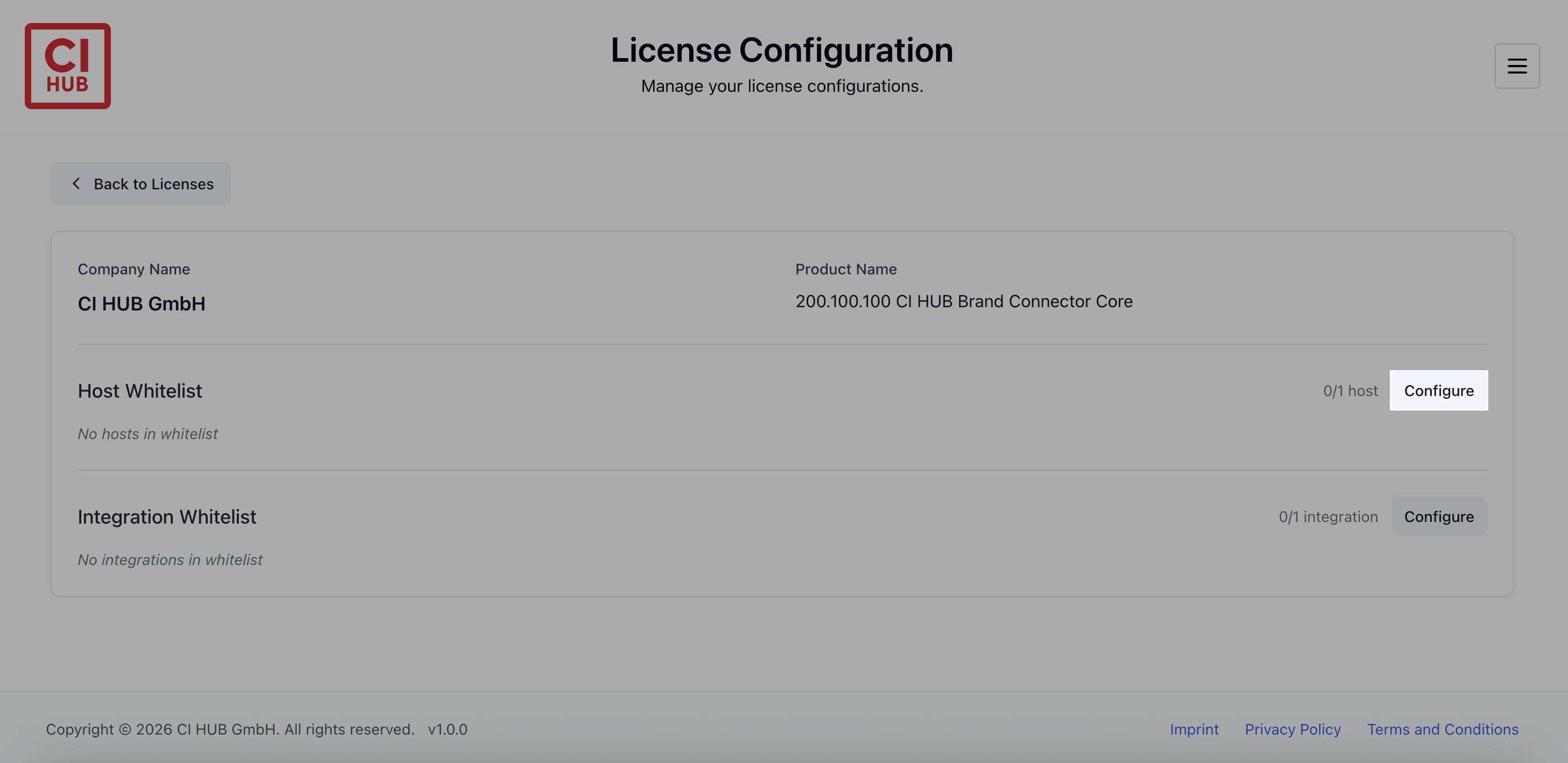
4. Select the host you want to whitelist.
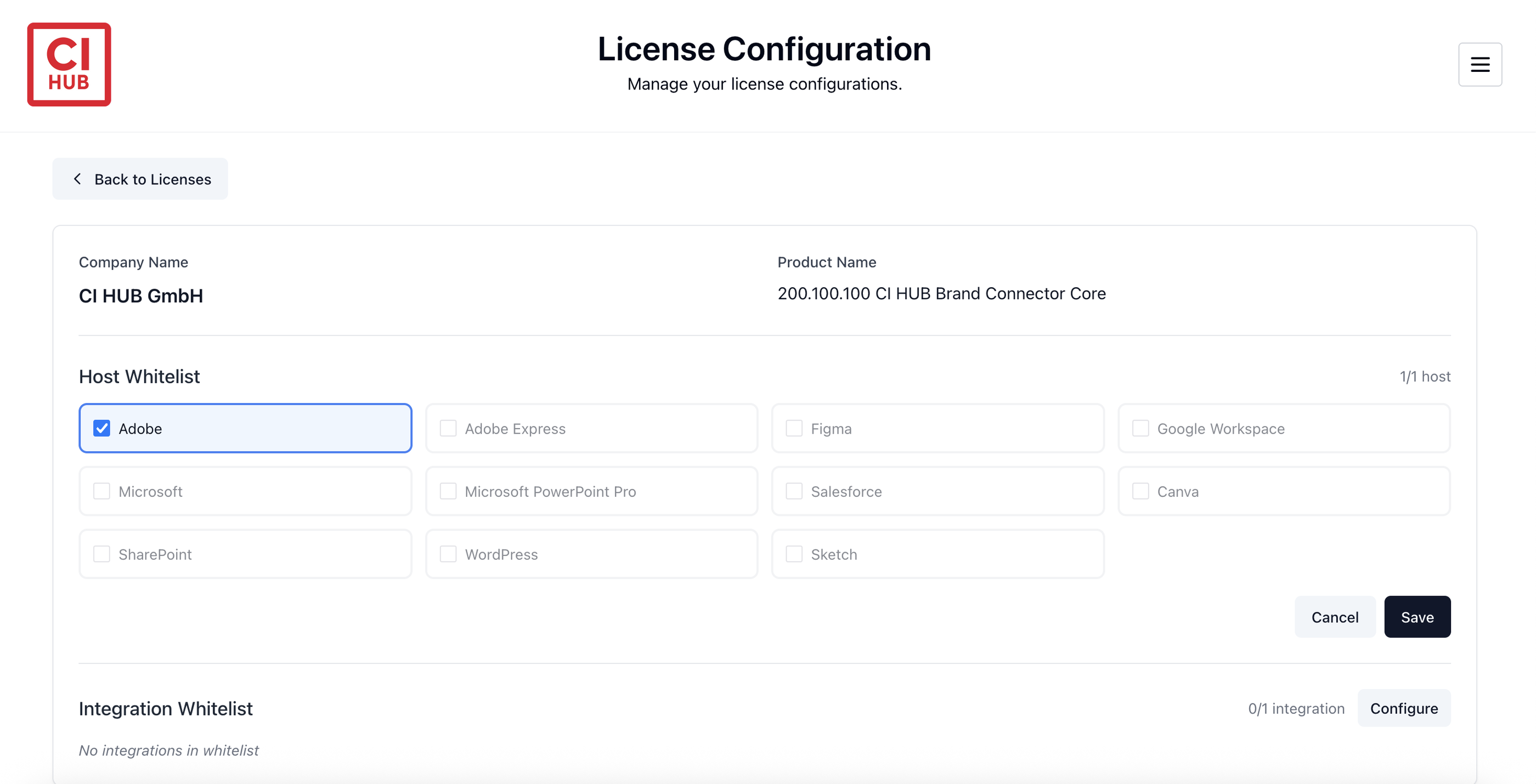
5. Click Save (bottom right).
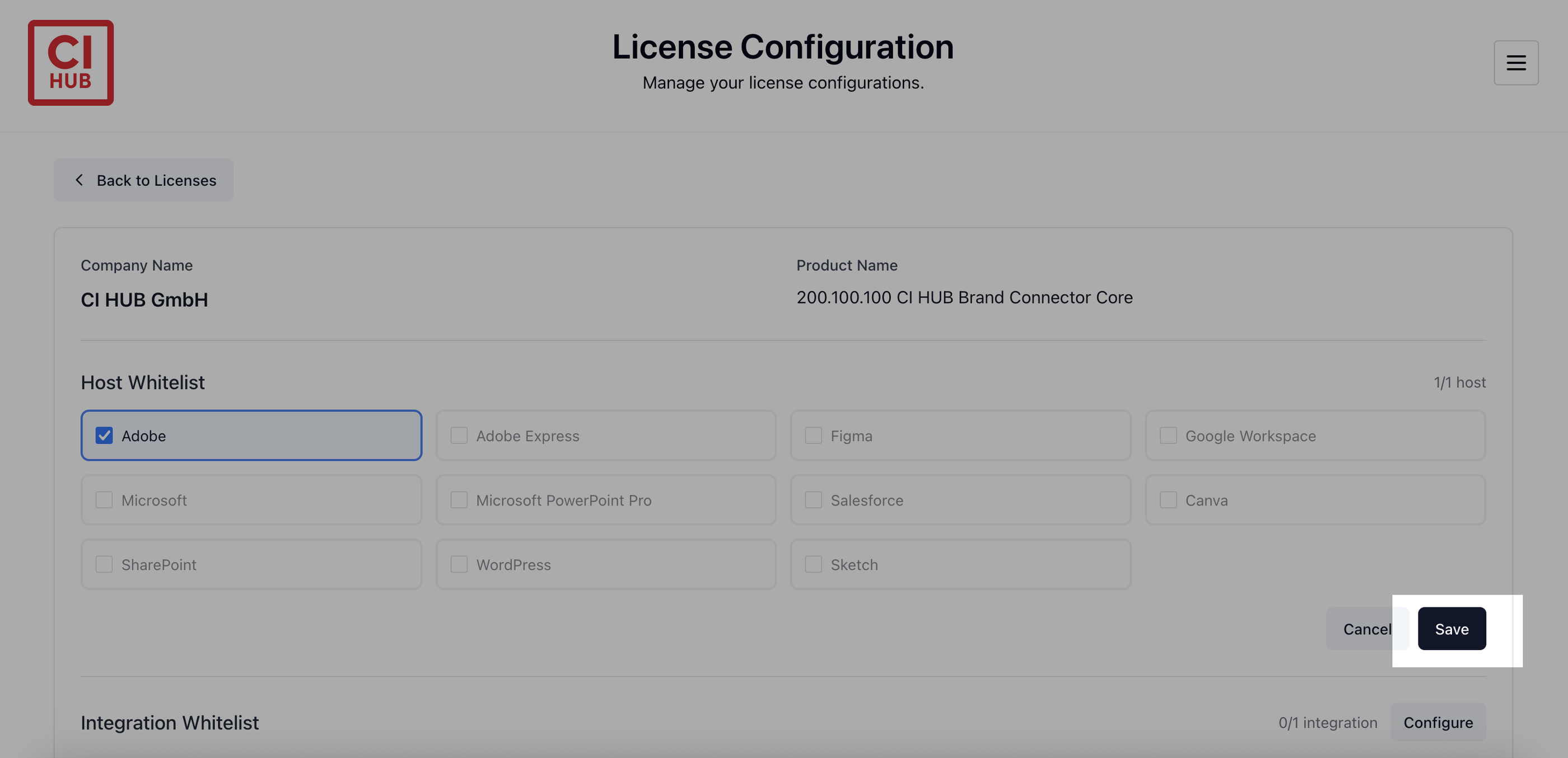
Once saved, the host will be whitelisted for that license.
How to Whitelist an Integration
The same process applies to integrations:
-
Open the License Configuration page.
-
Click on the license you want to configure.
-
In the Integration Whitelist row, click Configure.
-
Select the integration you want to whitelist.
-
Click Save.
After saving, the whitelisted integrations will be listed for that license.
You can now start using the whitelisted hosts and integrations according to your license limits.