Note: If you want to install the CI HUB Connector Pro for PowerPoint Pro Plugin, please check this article: https://support.ci-hub.com/ci-hub-connector-pro/how-to-install-the-ci-hub-connector-pro-for-powerpoint-pro-plugin
Here are the steps to add the CI HUB Brand Connector PowerPoint Pro:
1. Download the Installation Package
Click the link below to download the .zip file containing the installer:
https://live.ci-hub.com/download/vsto-powerpoint-bc/CI%20HUB%20Brand%20Connector%20Pro%20for%20PowerPoint.zip
2. Run the Installer
After downloading, extract the .zip file and run the setup.exe file to begin the installation process.
-png.png?width=343&height=282&name=image%20(3)-png.png)
-png-1.png?width=346&height=282&name=image%20(4)-png-1.png)
-png-1.png?width=342&height=277&name=image%20(5)-png-1.png)
-png-1.png?width=338&height=275&name=image%20(6)-png-1.png)
3. Complete the Installation
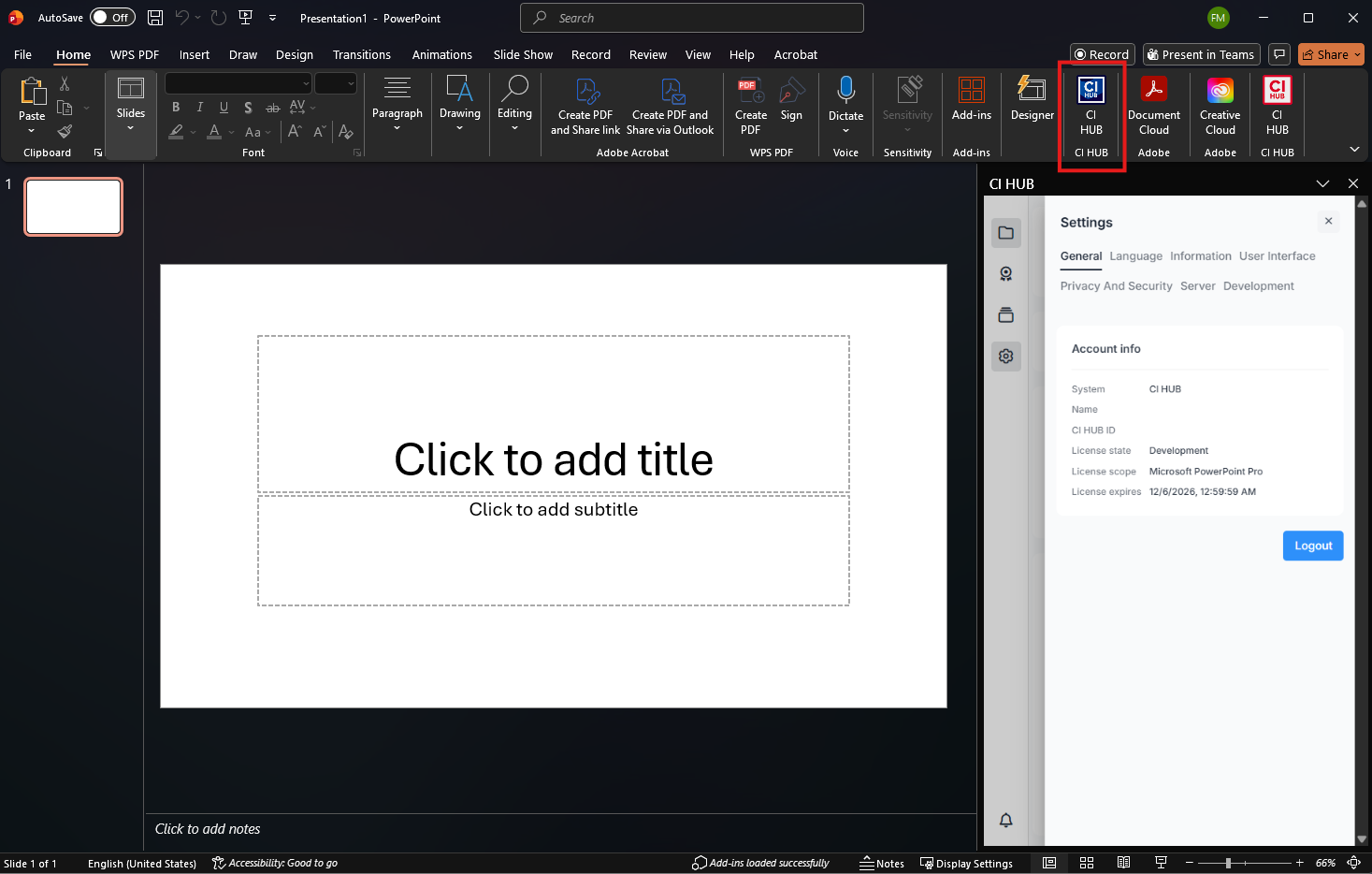
Once the installation is finished, open PowerPoint. You should now see CI HUB Brand Connector displayed in the ribbon, indicating that the PRO version has been successfully installed.
4. Log In and Validate the Pro Version
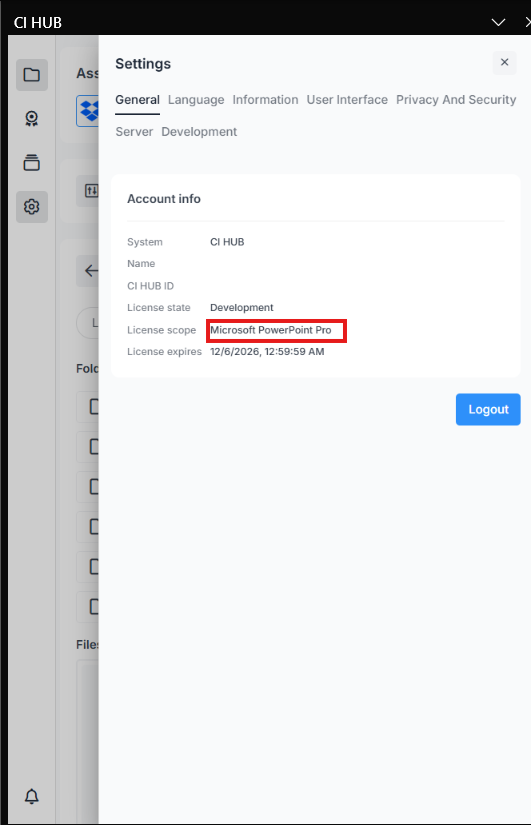
Open the connector within PowerPoint, log in with your CI HUB ID, and navigate to Settings to verify that the Pro Version is active and running correctly.